10–18%
saved on payroll, with no rounding or forgotten clock-outs
How Workyard works
Most software waits for someone to type the day in, then reports on it later. Workyard acts on the day as it happens.

10–18%
saved on payroll, with no rounding or forgotten clock-outs
$260K
saved per year with live job costing · Synaptic Solar
100s of hrs
saved a week routing supervisors by proximity · Accord Group
Protection
$123K/yr
insurance and invoicing savings with Smart Forms · TR3 Group
Money
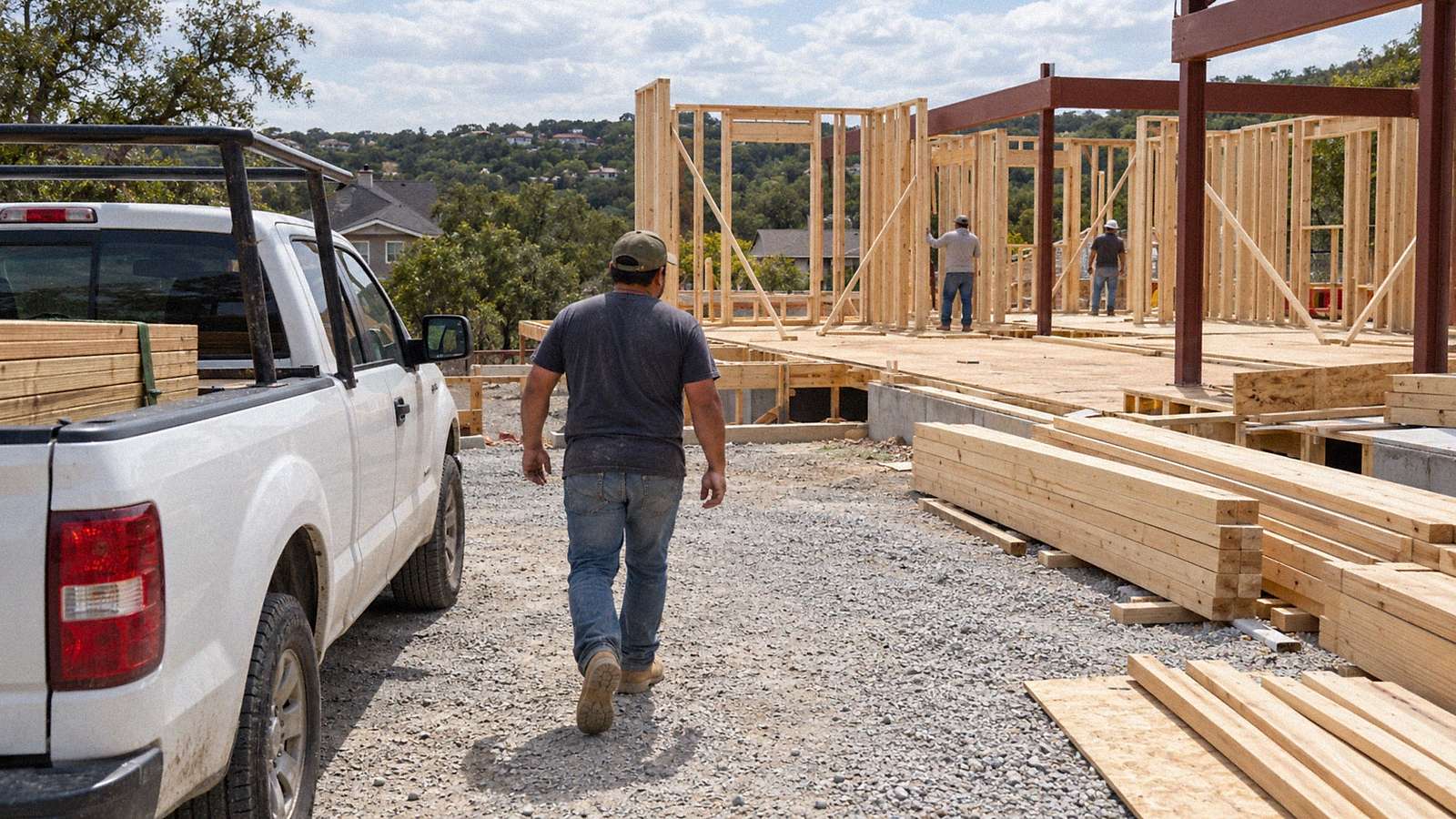
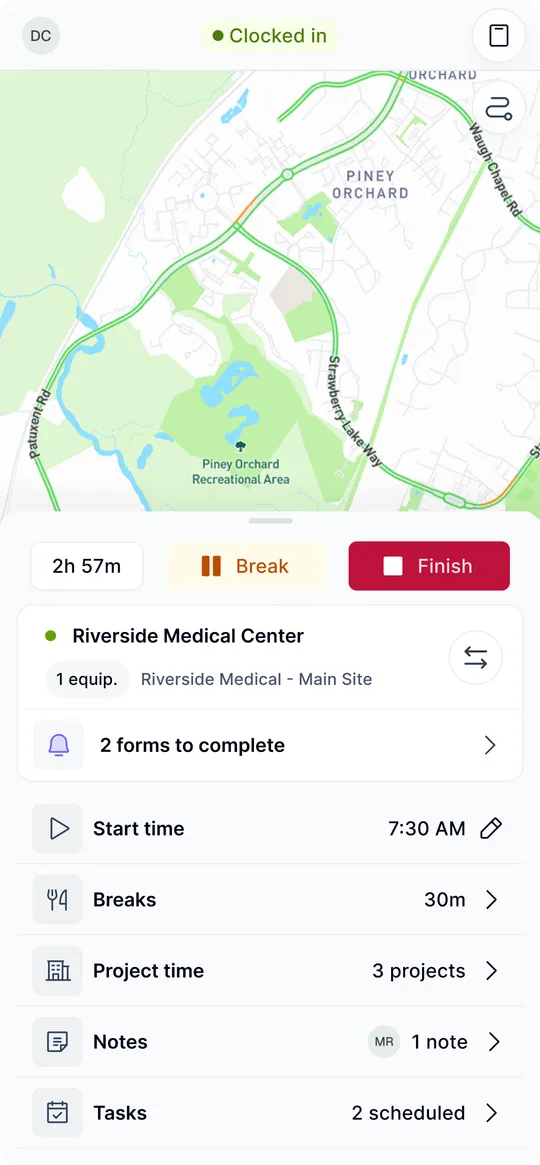
The geofence clocks crews in. No app to open, nothing to type or round.
Each worker's own PIN and a face photo at the kiosk. Buddy punching has nowhere to hide.
The agent fixes the clock-out from the geofence exit and flags it for a one-tap approval.
10–18%
saved on payroll, with no rounding or forgotten clock-outs
Explore more:

Margin
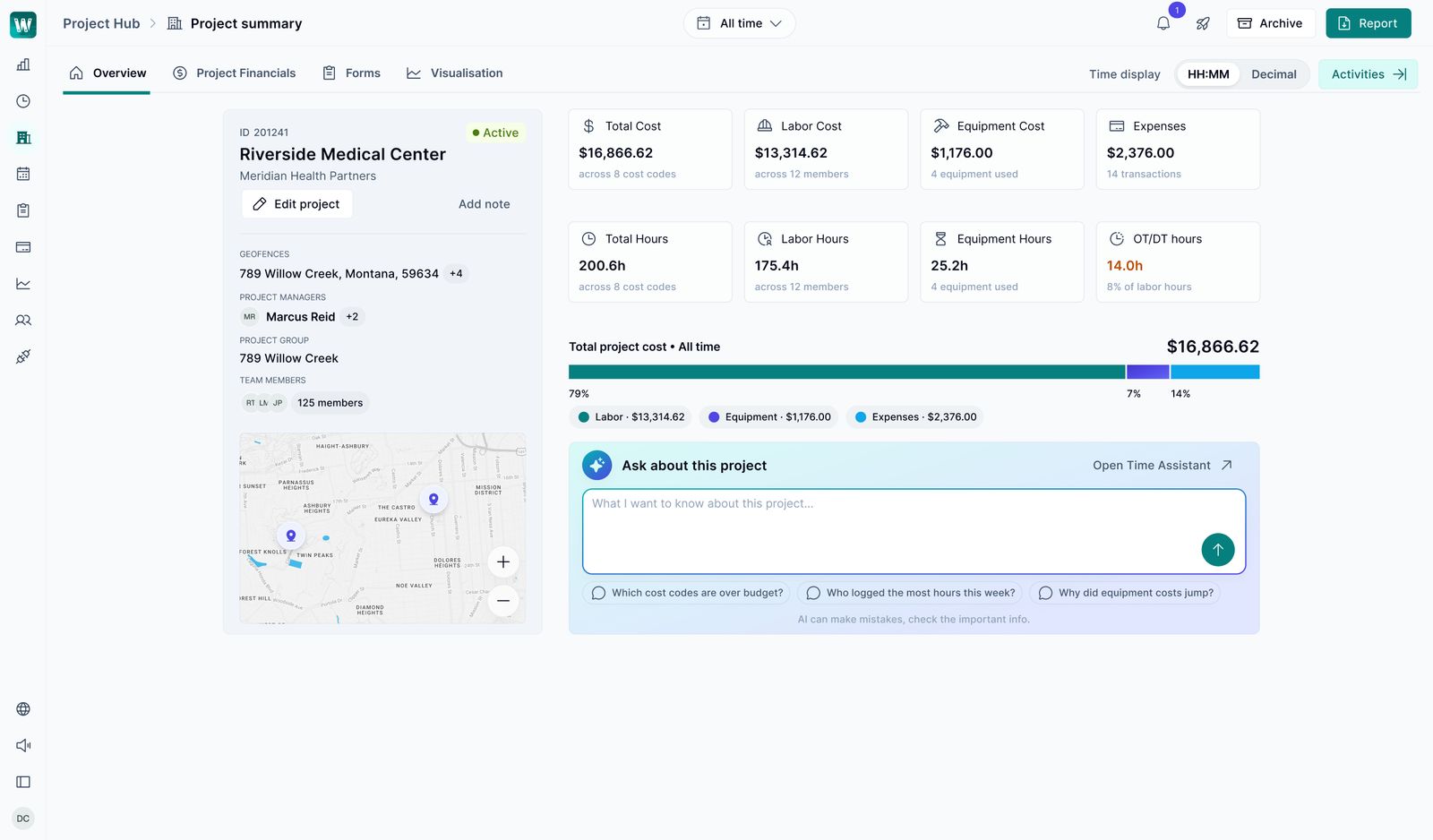
Diego’s morning codes to 24-118 the moment he clocks in, not at week’s end from memory
The 32-minute drive to Fairview codes to 27-203. The $214.60 receipt codes to Materials.
A crew running heavy on rough-in shows up Tuesday afternoon, not on the invoice.
$260K
saved per year with live job costing · Synaptic Solar
Explore more:
Fairview Clinic · 27-203
Live
Labor today · as of 4:46 PM46.5 h
Control
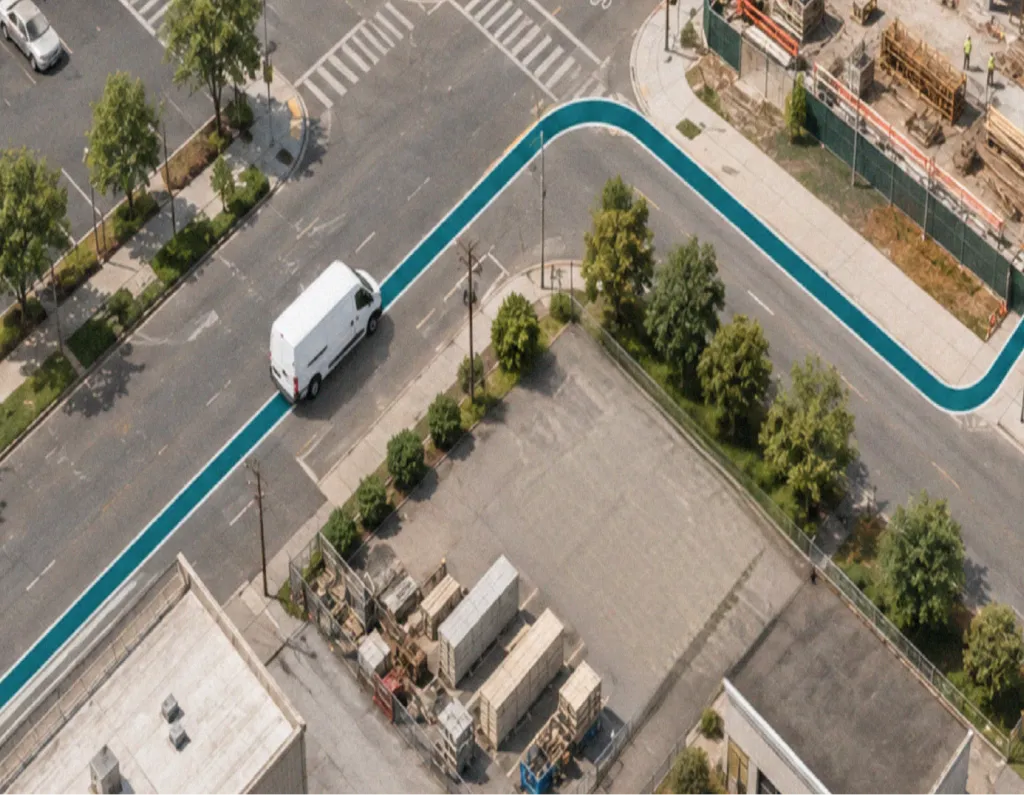
Directions, crew list, start time. Move a crew and the plan follows. No text threads.
The JSA when a crew lands on site, the daily at shift end, a ticket at every service stop
Who’s on site, who’s driving, what’s filed and what’s still open. Without a call.
100s of hrs
saved a week routing supervisors by proximity · Accord Group
Explore more:
Protection
Break and overtime rules run on every shift, in every state you work. The day doesn’t close without the break.
GPS on every punch, the worker’s sign-off at clock-out, every edit logged with the reason.
A lunch from eight months ago, with signatures, GPS and timestamps, in a minute.
$123K/yr
insurance and invoicing savings with Smart Forms · TR3 Group
Explore more:
End of day · TuesdayMarcus R. · Fairview Clinic
Payroll-ready
Time & payroll
Every hour verified, attested, and coded
“Do we owe any meal premiums?” Ask Workyard answers with the rule cited and the fix already drafted.
QuickBooks, ADP, Paychex, Gusto and 15+ more, with nothing re-keyed. The two things that needed you took two taps.
52 days
of admin time back every year · Construction Punch
Explore more:

Did anyone work more than 5 hours before a meal break?

Checked 42 timecards · Aug 11–17
3 timecards show a worker going more than 5 hours before their first unpaid break. I’ve added the one-hour meal premium to each.
3 premiums added · payroll-ready · 2 taps

Workyard AI takes on the time-consuming work. It checks timecards, builds reports and schedules the week, so your people spend their time where it counts.
From quick answers to hours of work, handled
Time tracking that runs itself
Reports you need, without the spreadsheet work
Why Workyard is different
Every system you’ve run on waits for someone to type the day in. Workyard is a system of action: watching, correcting, and filing it as it happens.
| Systems of recordThe tools you have | ||
|---|---|---|
| Capture the field | Waits for someone to type the day in: timesheets Friday, receipts whenever. | Captures the day as it happens: the gate, GPS, the kiosk, the camera. Nobody types anything in. |
| Correct the record | Reports the mistake after payroll already paid it. | Checks every hour against GPS, fixes it, and flags it for one tap. Before payroll runs. |
| Complete the paperwork | Stores the form you filled in, if you filled it in at all. | Fires the form at the right moment, pre-filled, gets it signed, files it to the job. The paperwork does itself. |
| Control the business | Shows you a dashboard of last month. | Costs every job live and puts the two things that need you on your screen. Today, while you can still act. |
Explore the platform
Capture progress
As crews move through the day, Timekeeping Agent captures and verifies time, location, drive, photos, and forms, coded to the right job and cost code before the office ever sees them.
GPS-verified hours, captured on their own.
Every crew on one map, live.
Machine hours coded to the job, latest location.
The daily log drafts itself.
Keep jobs on track
Every captured hour lands in live job costs and the schedule the moment it happens, so you see what each job is costing while it’s running, not at month-end.
Tomorrow’s plan on every phone, the moment you set it.
What every job is costing you, live by cost code.
Your paperwork, rebuilt digital.
Protect your business
Rules run themselves: breaks enforced, forms fired on cue, every record filed and audit-ready. When payroll, a dispute, or an audit comes, it’s a lookup, not a scramble.
A review, not a reconstruction.
Breaks and overtime enforced by rule, per state.
JSAs, toolbox talks, and inspections, on cue.
Verified field data flows to payroll, accounting, and your ERP. No re-keying.